

How Athar for Products Works?
Simple steps to transform your photo into an interactive experience that brings memories back to life.
Upload your photo and add the memory you want to preserve
All you need to do is upload the photo you wish to transform into an AR experience, then attach the associated video or voice message.
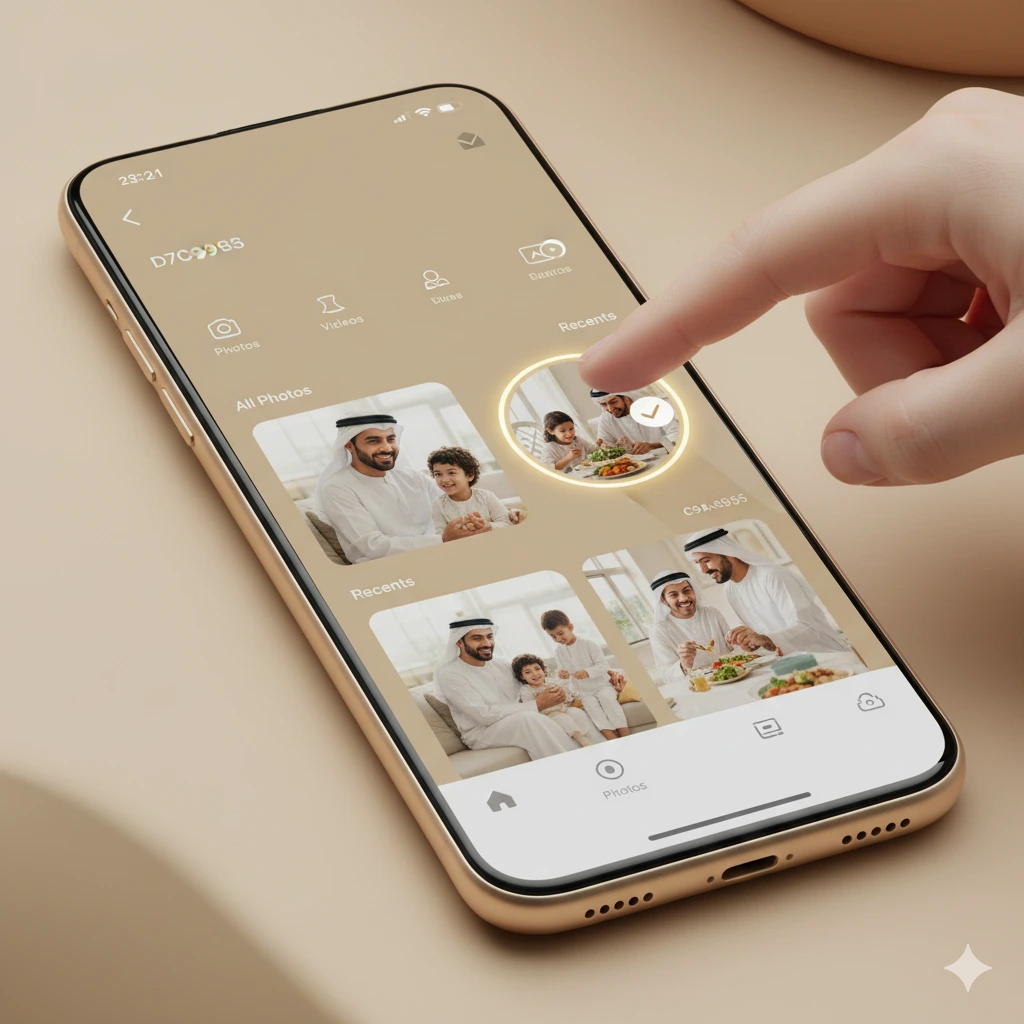
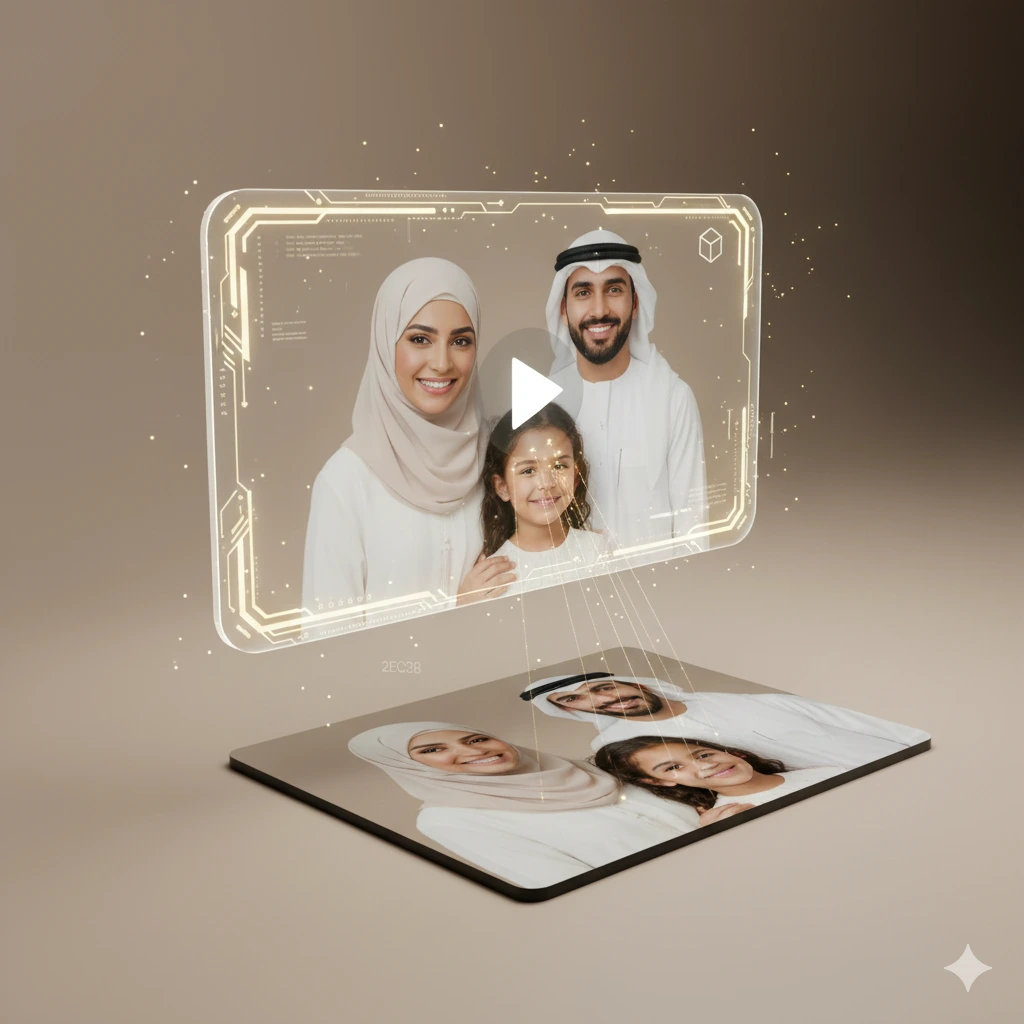
Digitally link the photo to the content
The Athar system precisely processes the photo and links it to your content using augmented reality technologies and algorithms, without needing any technical expertise on your part.
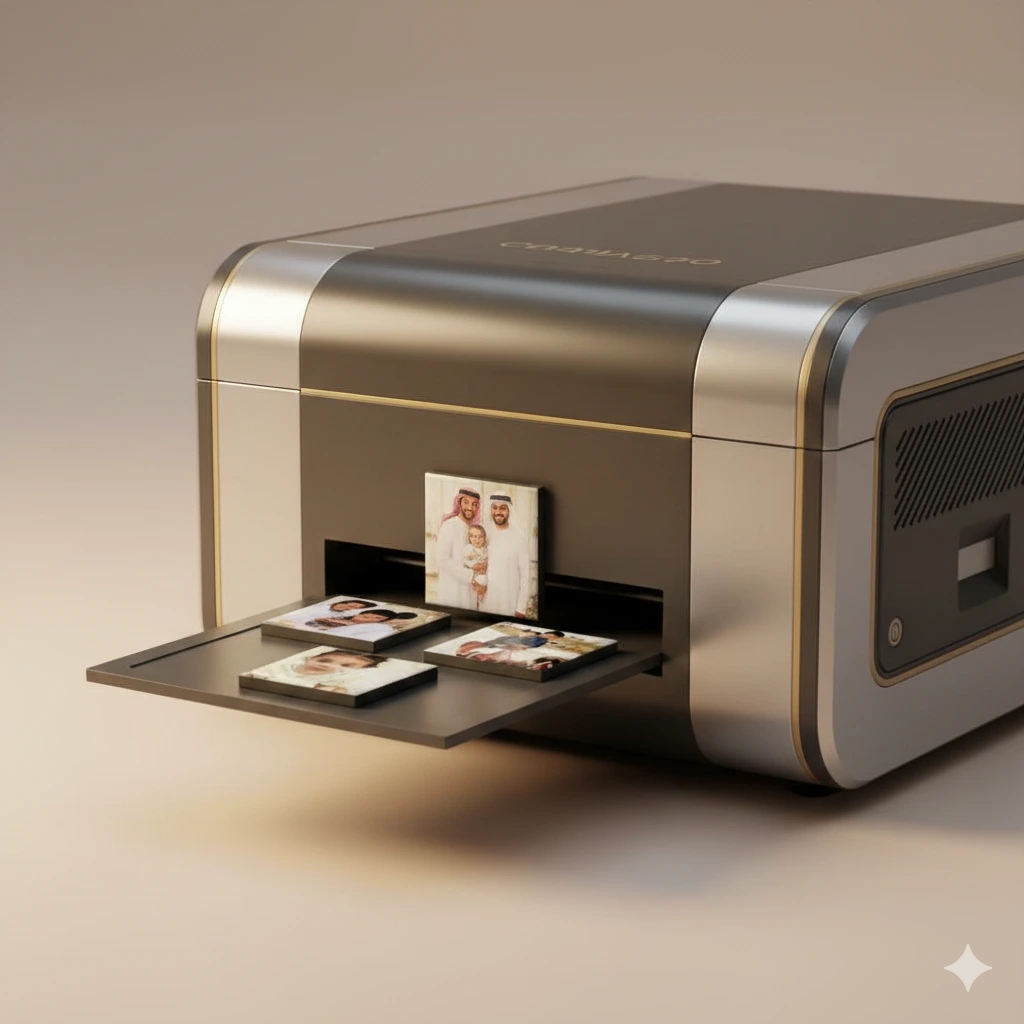
Print photos and prepare your order
After linking the content, we print the photos and prepare them on high-quality magnetic pieces using the latest printers, devices, and tools to ensure the best results.
Carefully packaging your order
We place the magnetic photos inside the elegant Athar box with attention to the finest details, including:
- Instruction card and your personal QR code
- Nano stickers for mounting photos on non-metallic surfaces
The box is then placed inside a luxury Athar gift bag, arriving ready to be gifted or to join your collection of memory magnets.

Point the camera and watch the memory come to life
After receiving your order, scan your QR code to be directed to a link that opens the Athar camera, allowing you to scan photos linked to interactive content.
A code to download the Athar app will also appear for easier use without needing to scan the QR every time.
Then, point the camera at the photo, and the video or voice message will appear directly over it, letting you relive the memory in a unique, interactive way.
Note:
If the Athar app cannot be downloaded, you will need to scan your QR code once until redirected to the Athar filter for it to work.
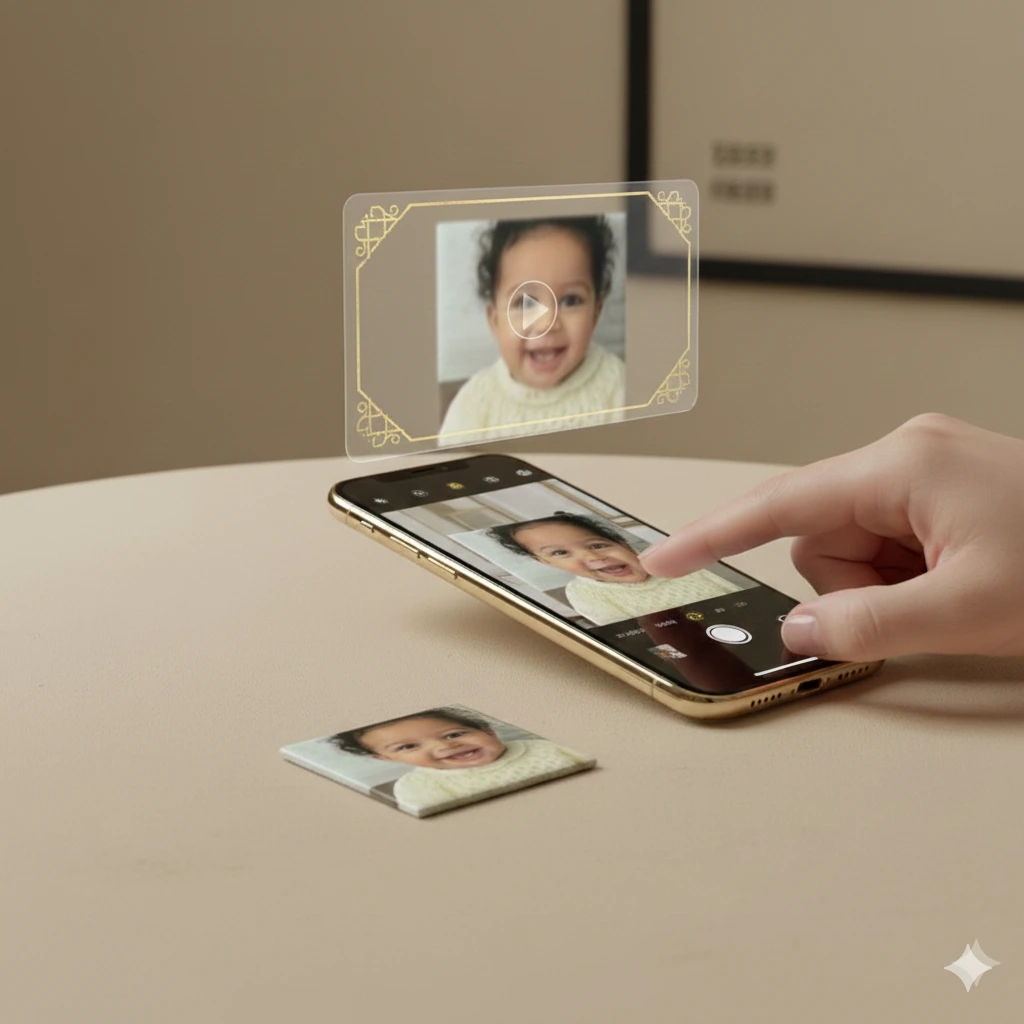
Try Athar for Free
Discover how a photo transforms into a living moment using Athar
Point the camera at the attached QR code

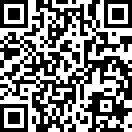
Point the camera at the attached photo and see how Athar works

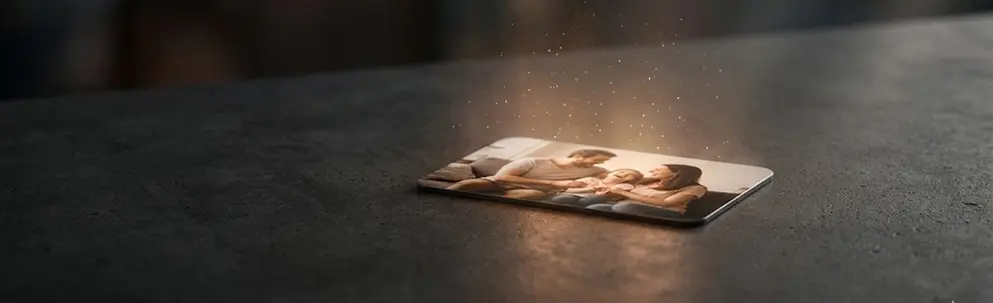
Try Athar for Free
Discover how a photo transforms into a living moment using Athar
Point the camera at the attached QR code
Point the camera at the attached photo and see how Athar works